What's new
What's new
Everything we've shipped, newest first. Updates reach the web app the moment they're released — just reopen STRONKA.
- NewFixed
Duplicate a training day
- Copy a whole day from Add day or Edit Day instead of rebuilding it.
- Weights in lb that you didn’t change now save exactly as entered.
- New
443 new exercises
The library grows to 1,089 exercises, and exercise images now load from STRONKA’s own servers.
- Improved
Notes where you need them
- Notes now sit with How, Swap and Do Later in the exercise card.
- A note attaches to the set on screen — including your last set — and there’s a Done button to close it.
- Fixed
Smoother sign-up and setup
A round of fixes from a full walkthrough of creating an account and building your first program.
- NewImproved
Progressive overload, upgraded
- Hit all your reps and the weight goes up next session.
- When a cycle ends, STRONKA offers a max test so the next cycle starts from your real numbers.
- Weekly percentage waves are now editable.
- New
Workout notes and a new barbell view
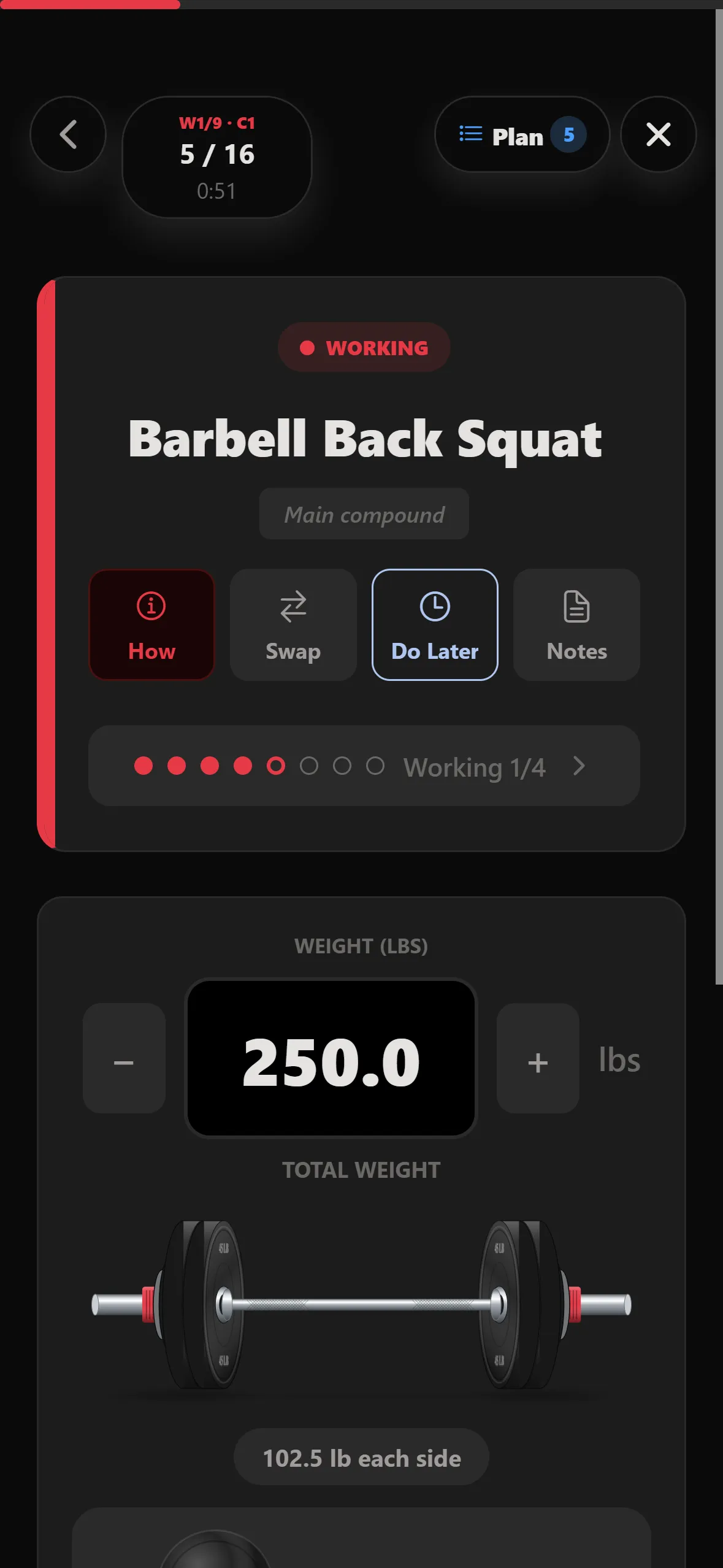
- Write notes during a workout and find them next time.
- See the weight you lifted last time.
- A new barbell view shows the plates loaded on each side.
- Login codes fill in automatically.
- Improved
STRONKA on desktop
Bigger screens get side navigation and wider layouts, so planning a program on a laptop feels as natural as logging on your phone.
- New
Programs built for you
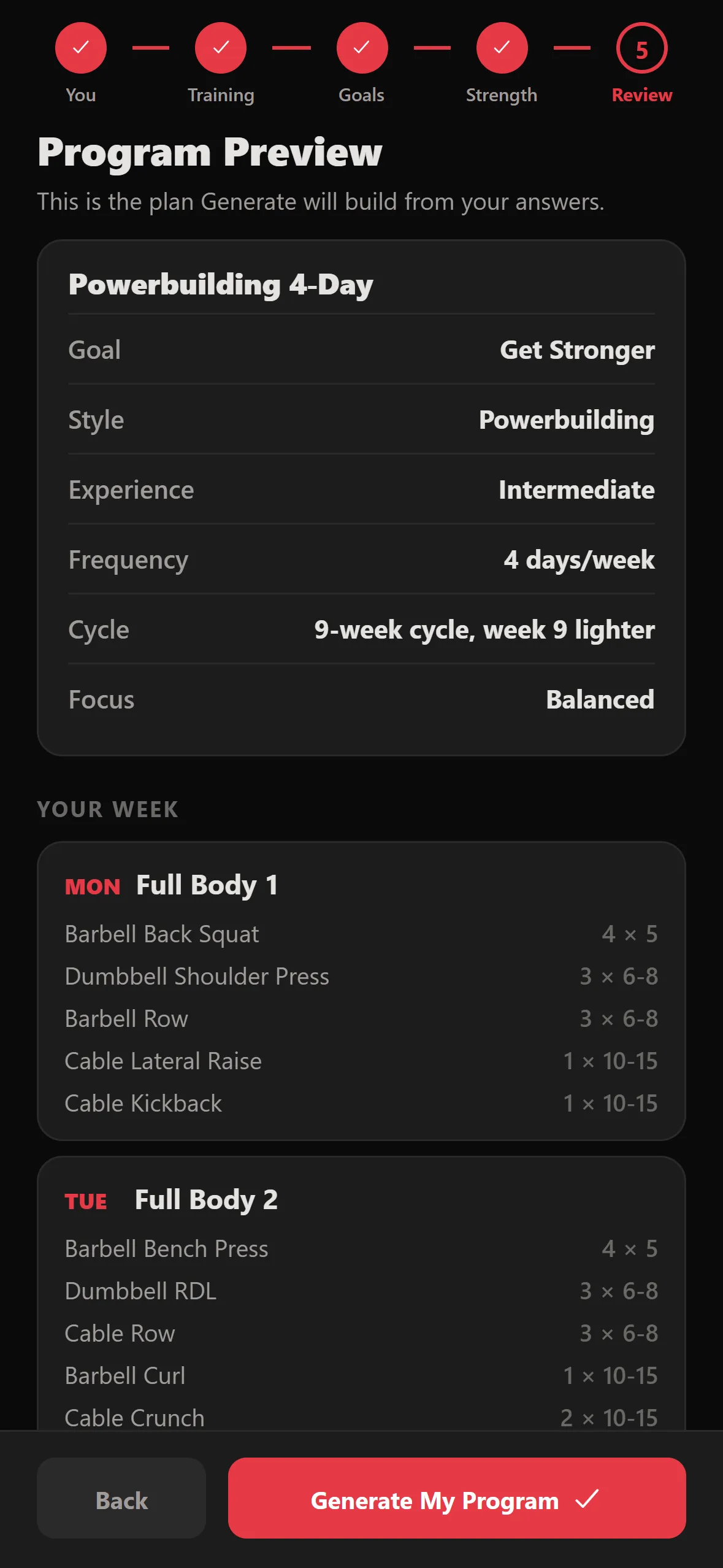
Answer a few questions about your goal, experience and schedule, and STRONKA builds your whole plan.
- New
Your bar, your plates
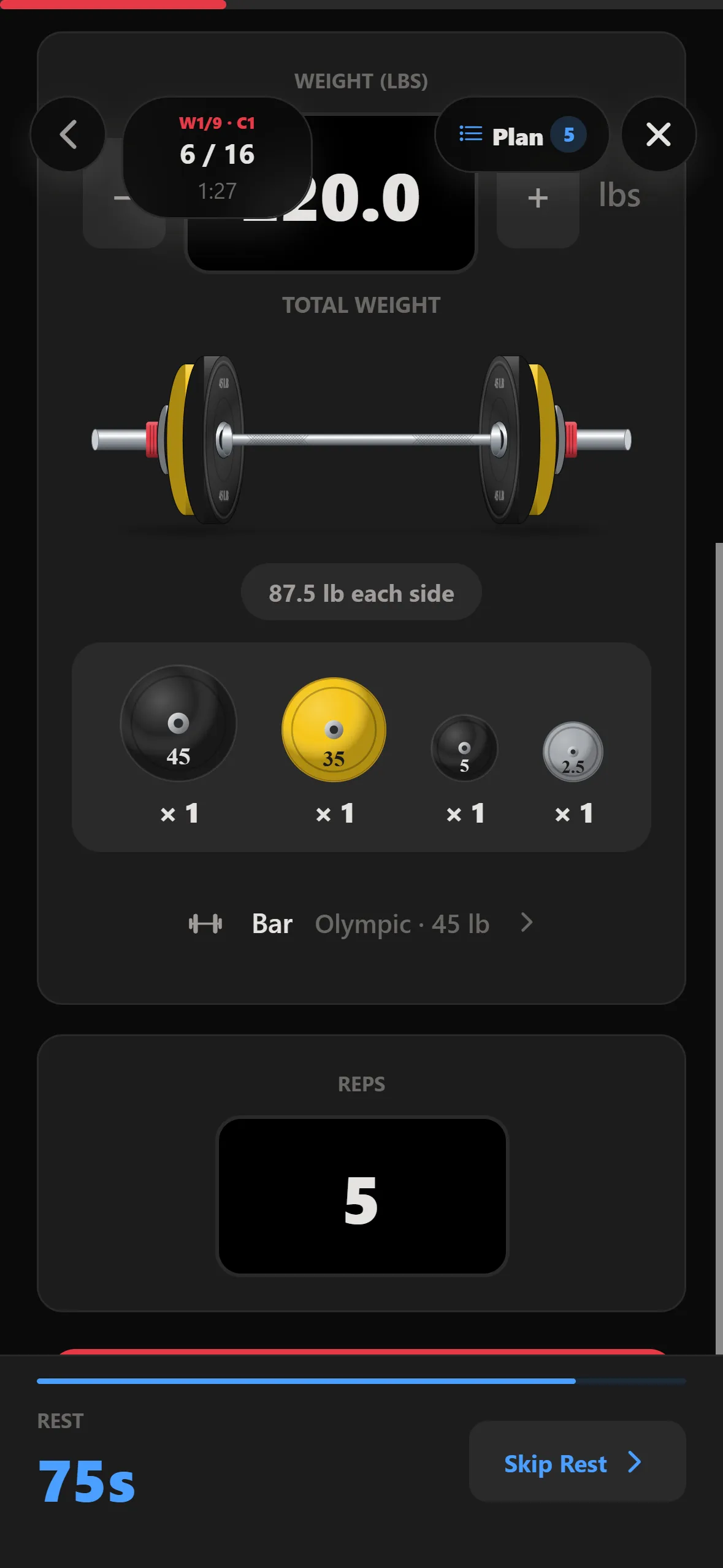
Tell STRONKA which bar and plates your gym has. Every suggested weight is one you can load, shown plate by plate for each side.
Try what's new
New to STRONKA? The Guide walks you through it.